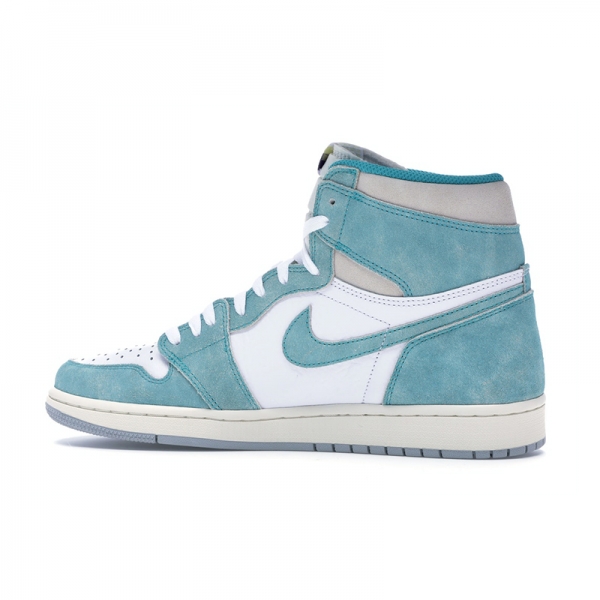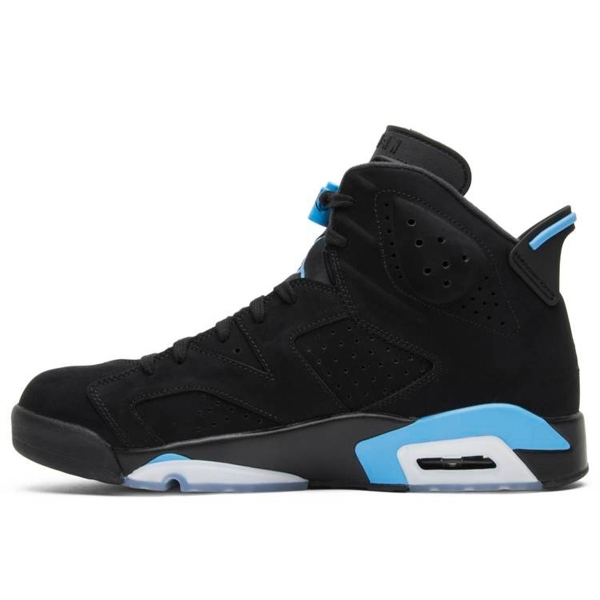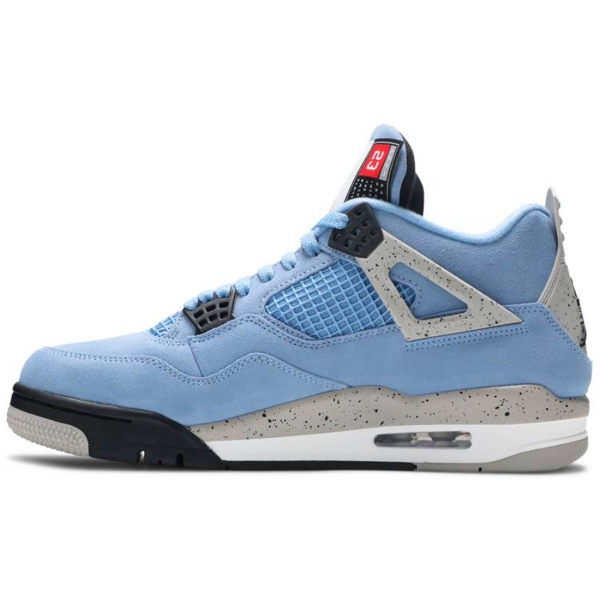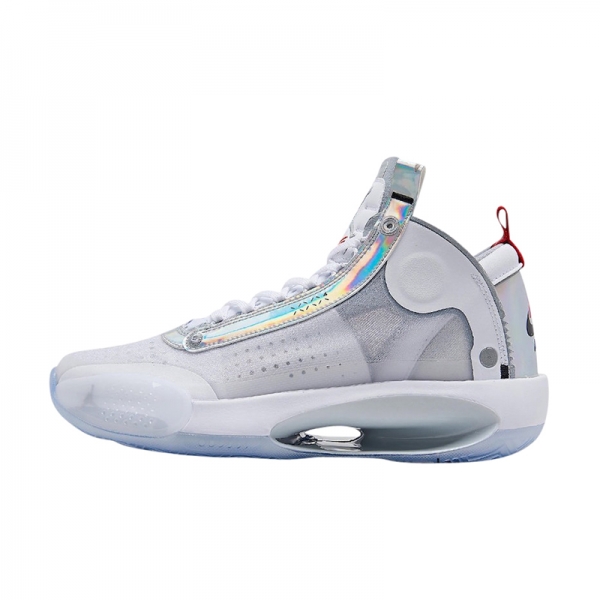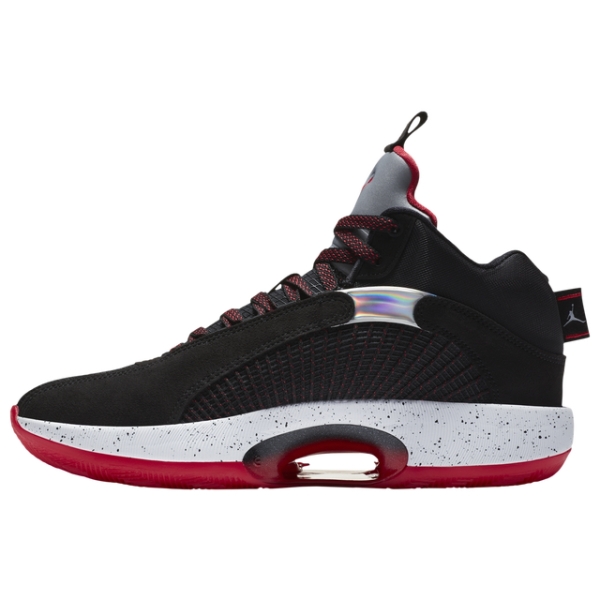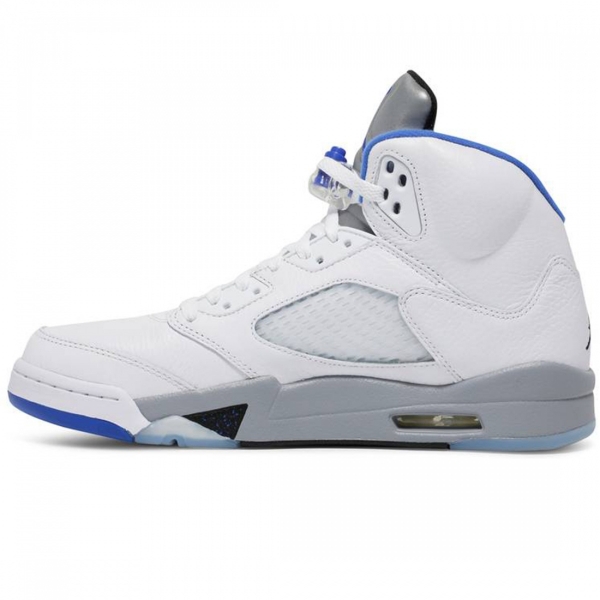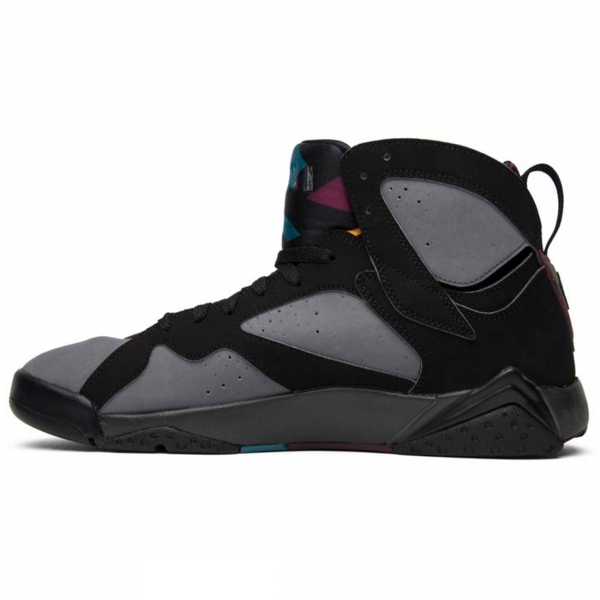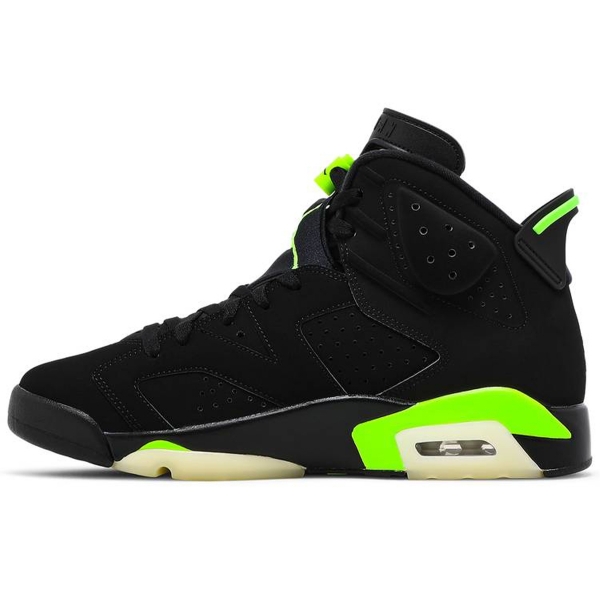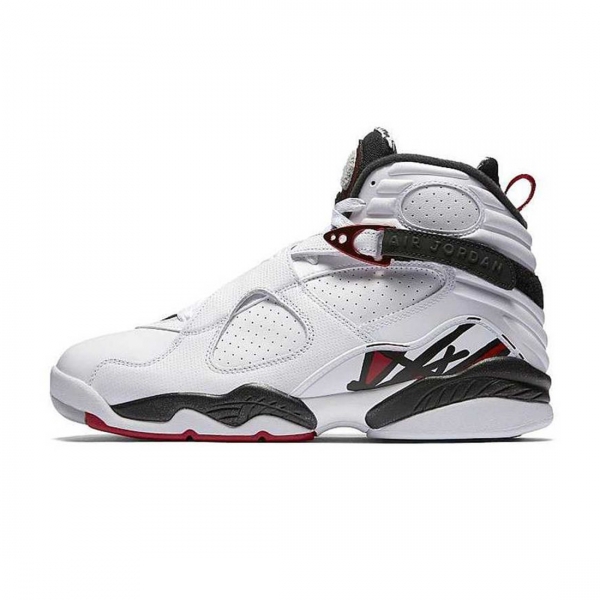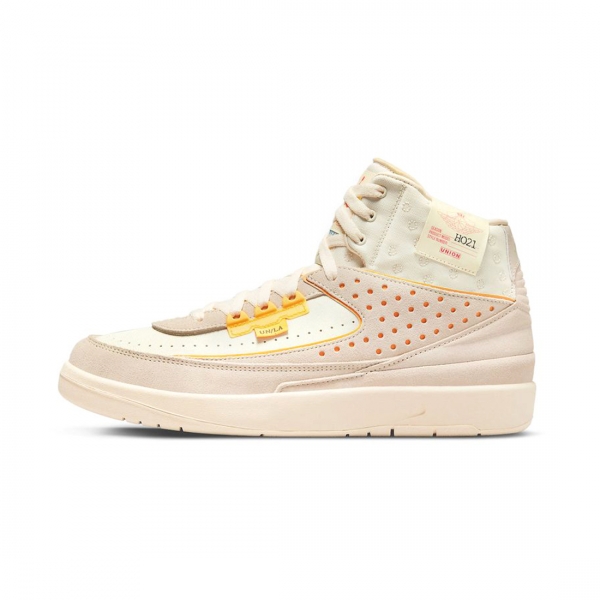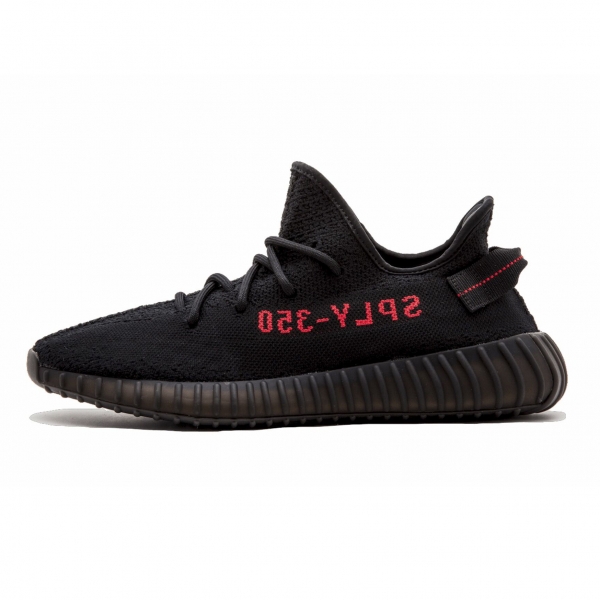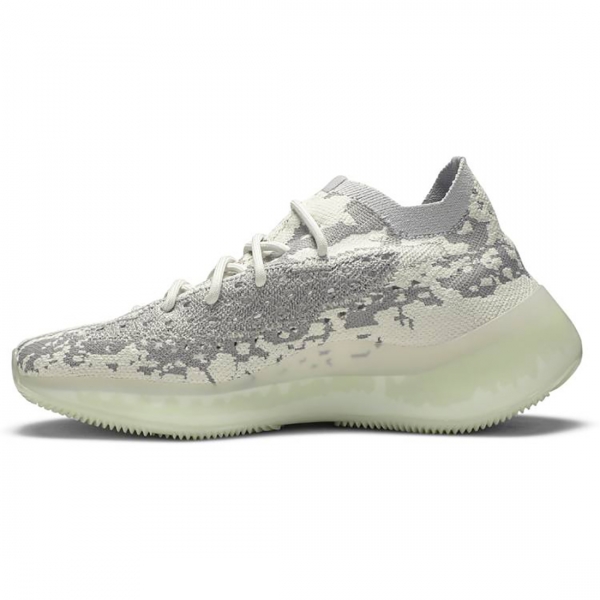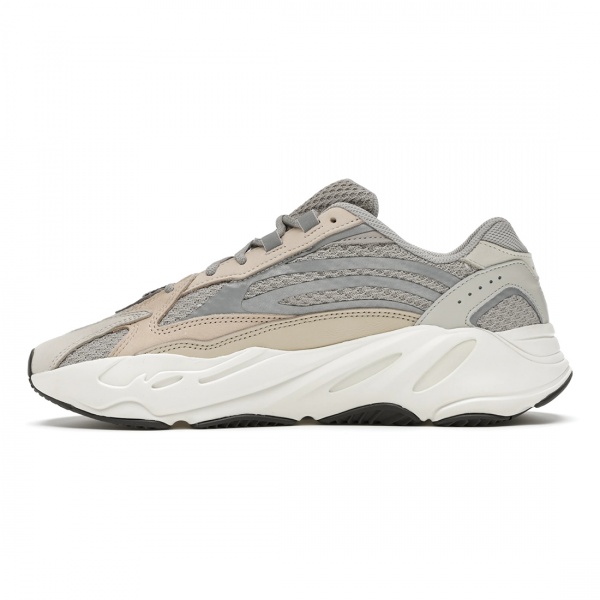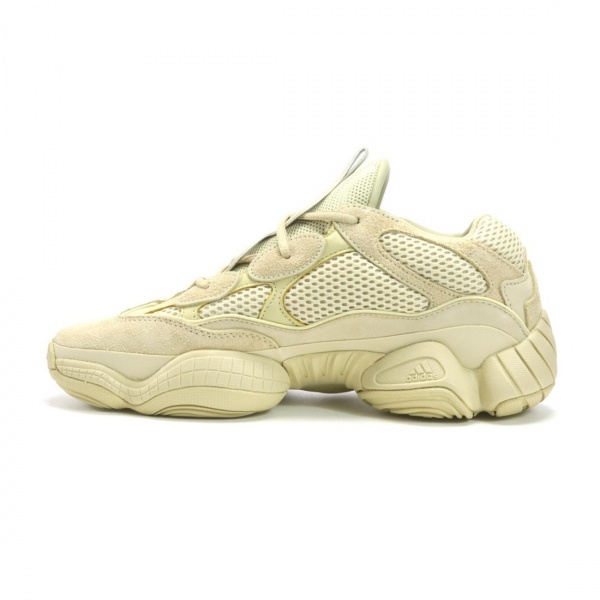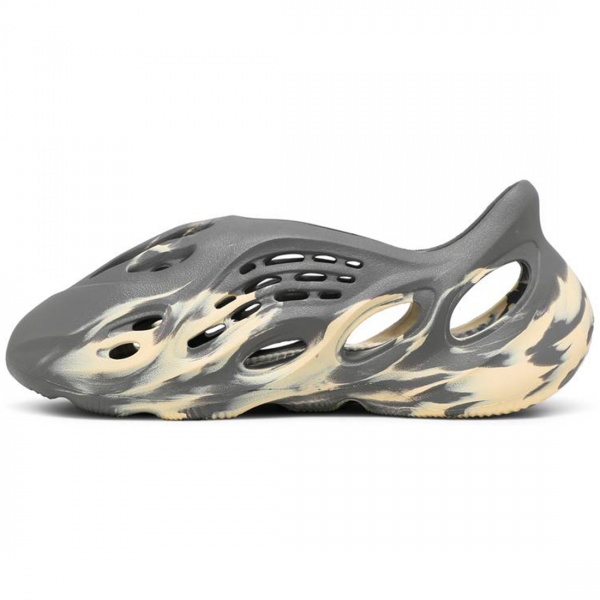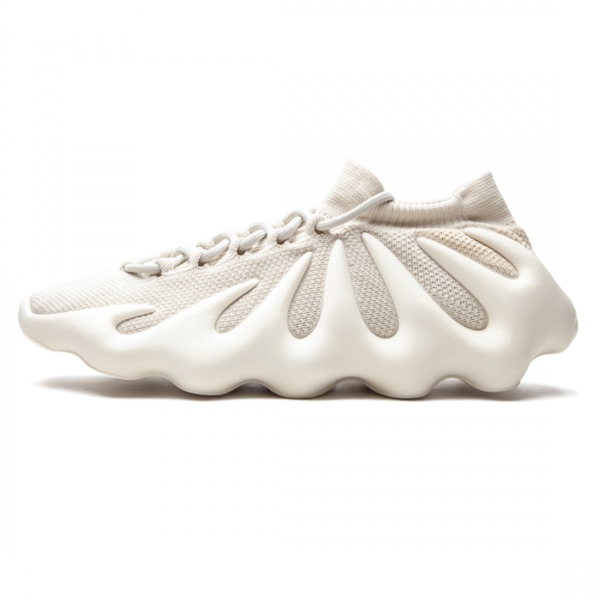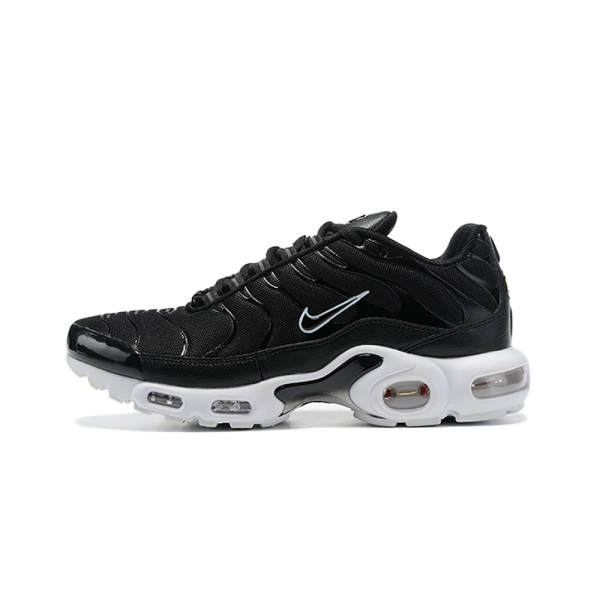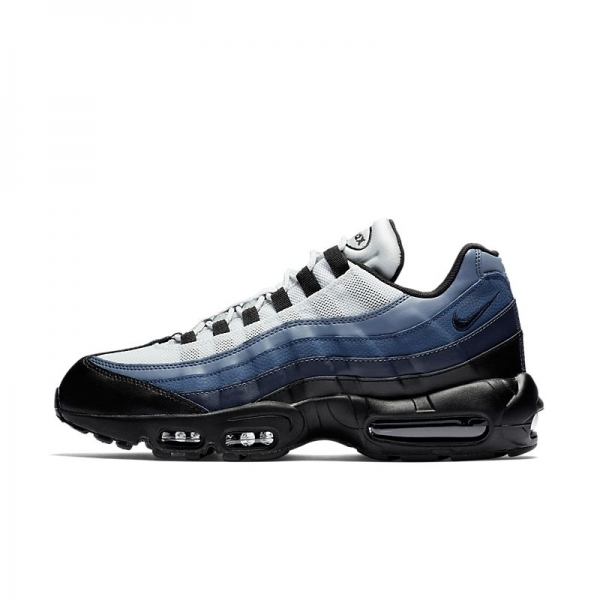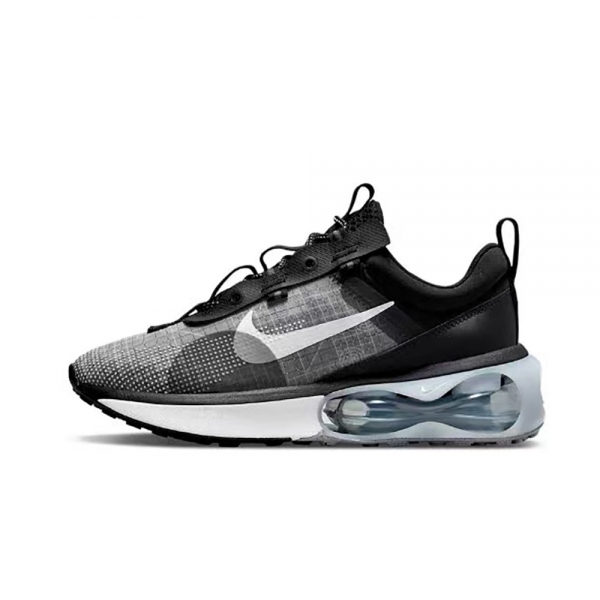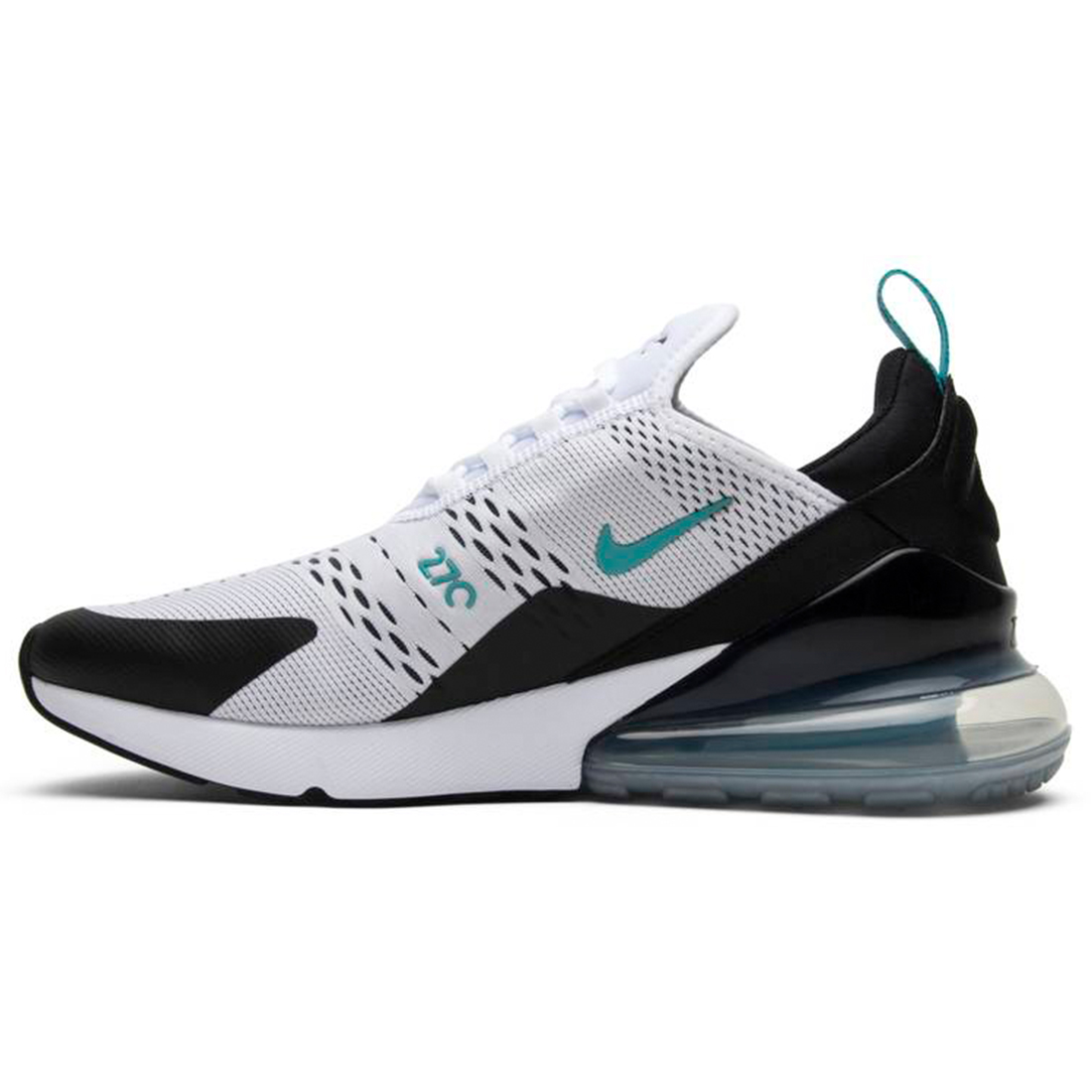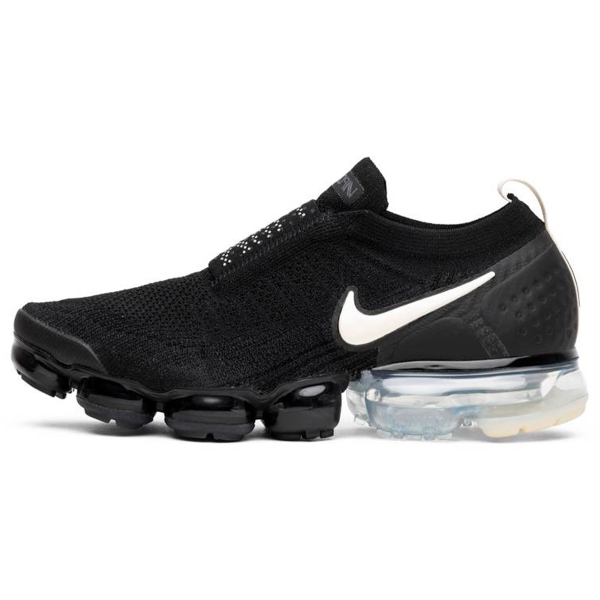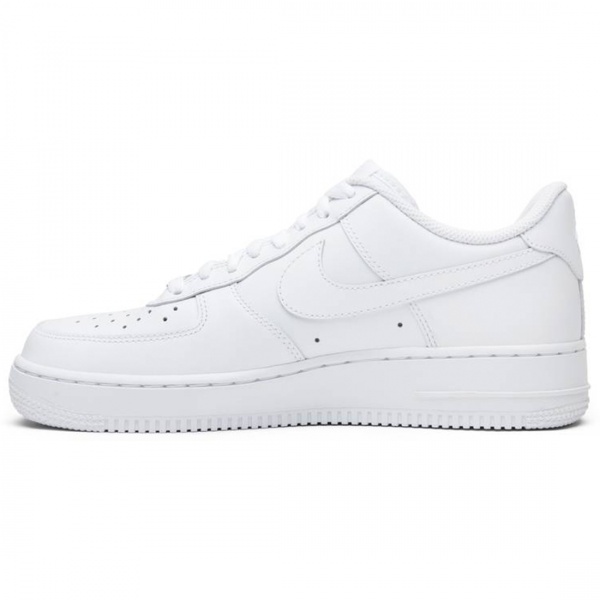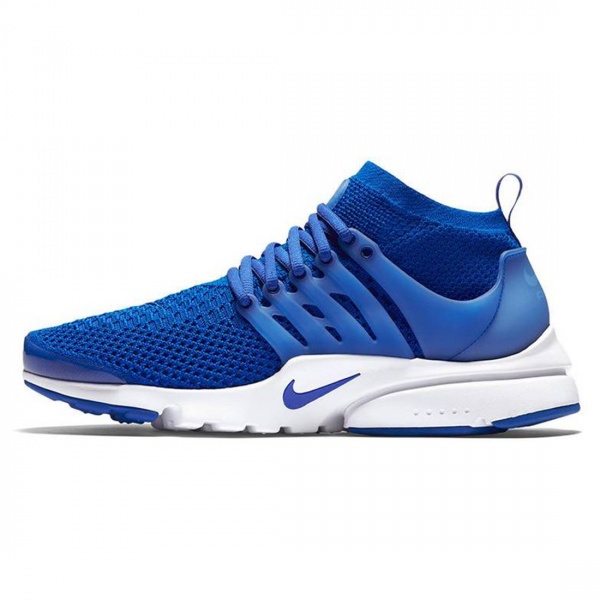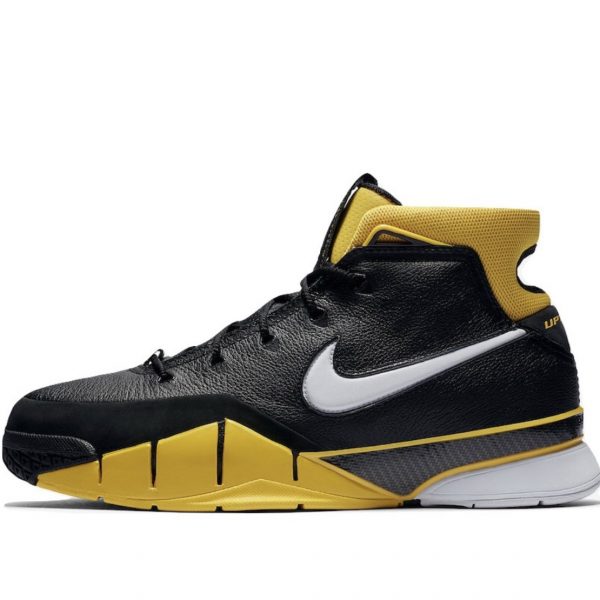
SEE OUR COLLECTION
TOP JORDAN CATEGORIES
Visit our shop to see amazing creations from our designers.
How to setup this header? Just go to Customize > Header > Header and select Header layout 5. This header layout is similar to Header layout 3. But it doesn’t require you to install additional plugins. Because with this header, you will have shopping cart icon and wishlist icon on the right side, search icon and login icon on the left side. Like Header layout 3, site logo and primary menu are displayed at center and logo is above the menu.
Please remember with all header layouts, you can select header background from two options – white or transparent. And you can select header text color as well.
Besides, the topbar can be configured separately.

No account yet?
Create an Account