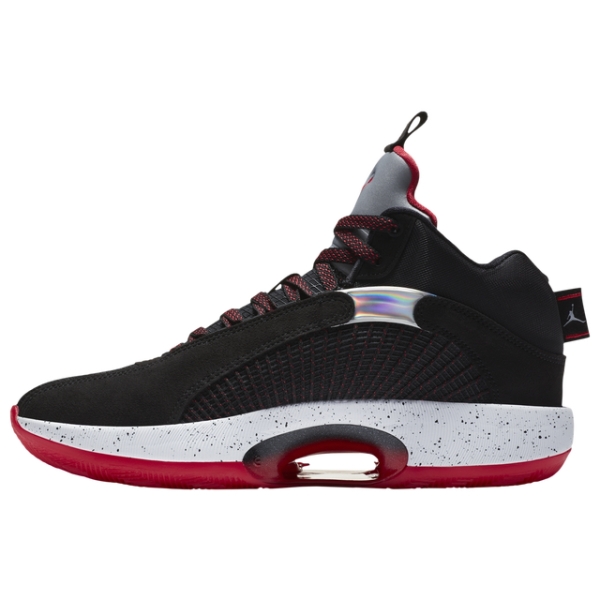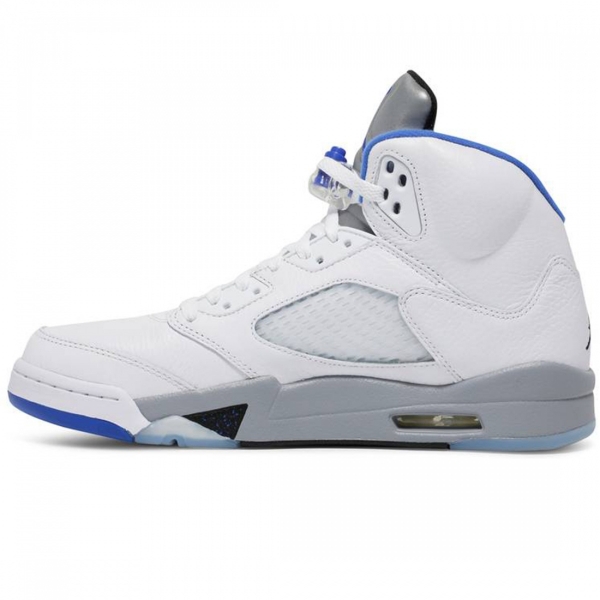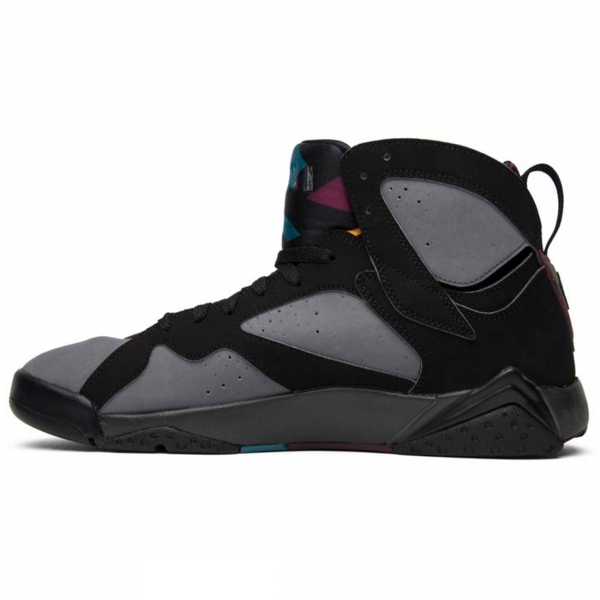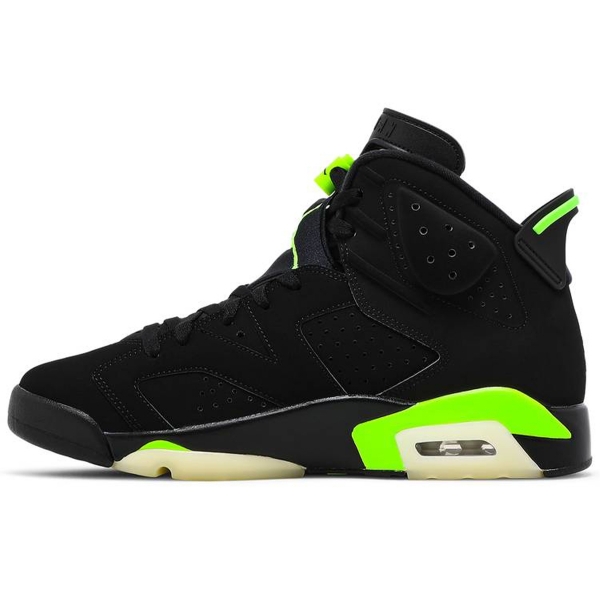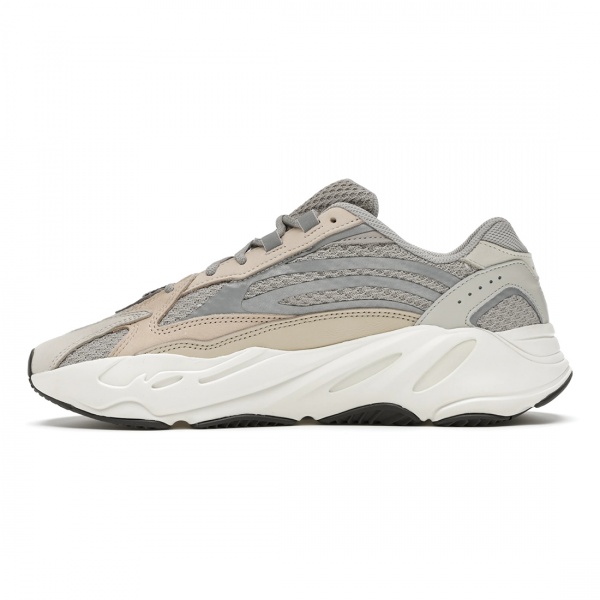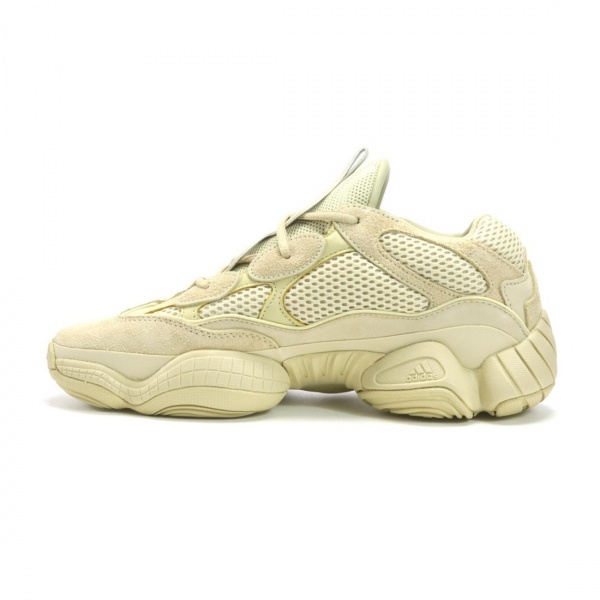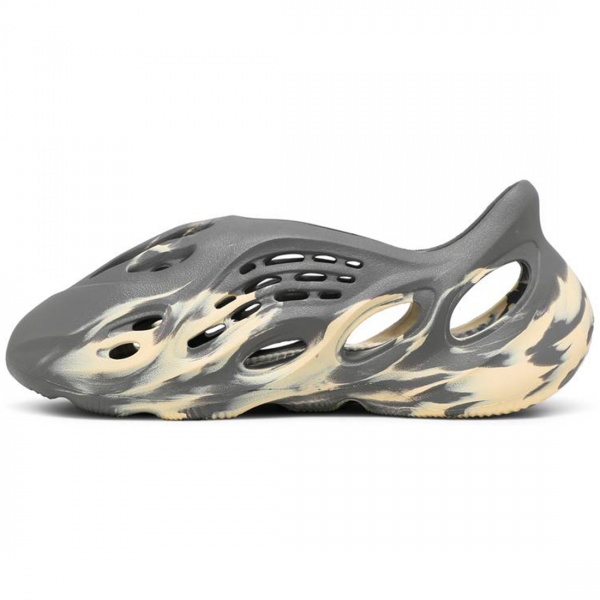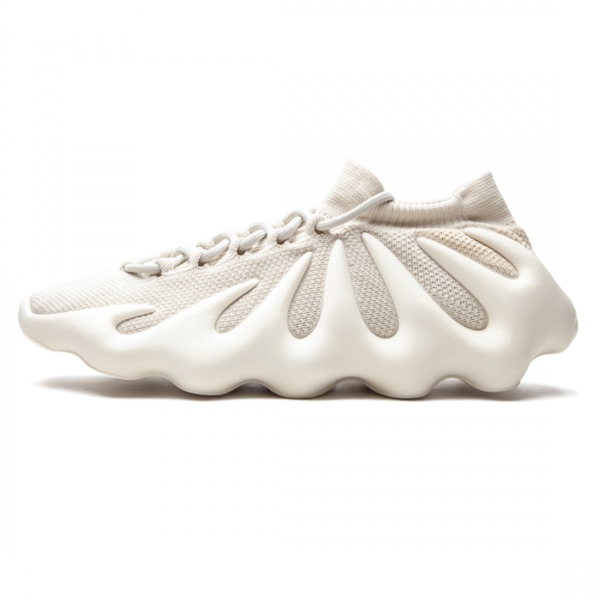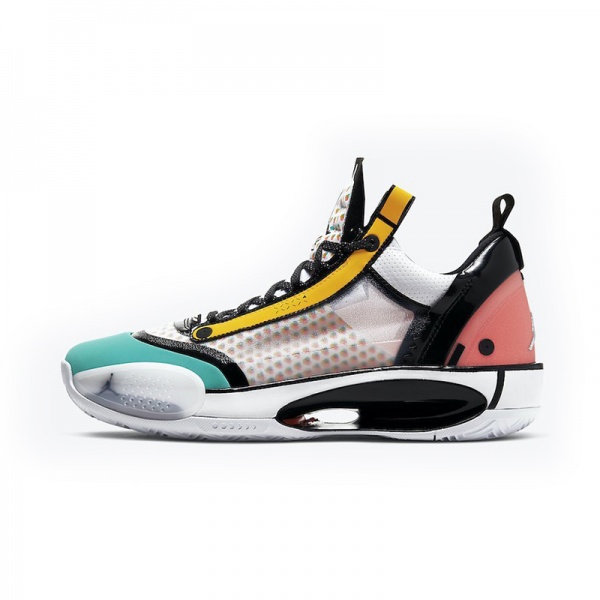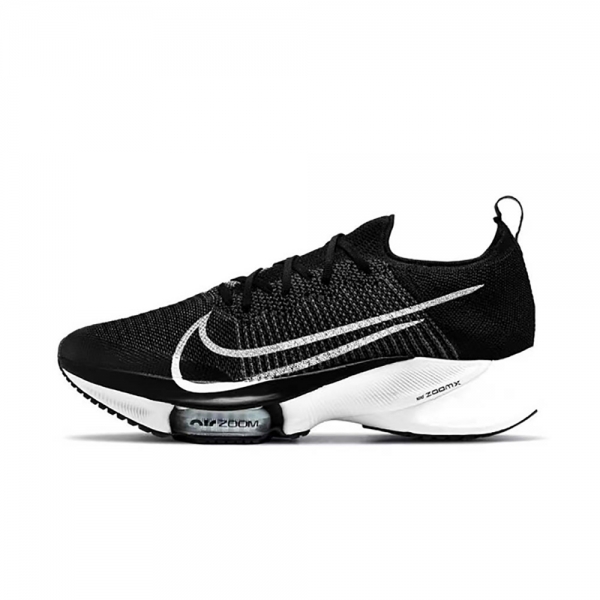
SEE OUR COLLECTION
TOP JORDAN CATEGORIES
Visit our shop to see amazing creations from our designers.
How to setup this header? Just go to Customize > Header > Header and select Header layout 6. With this header, you will have your logo and hamburger menu icon are displayed on the left side; shopping cart, login, search icons are displayed on the right side.
Please remember with all header layouts, you can select header background from two options – white or transparent. And you can select header text color as well.
Besides, the topbar can be configured separately.

No account yet?
Create an Account